Event Page Style
This guide describes how to configure and change the Event Page Style layouts and outlines how each style alters the front-end user experience.
Configuration Steps
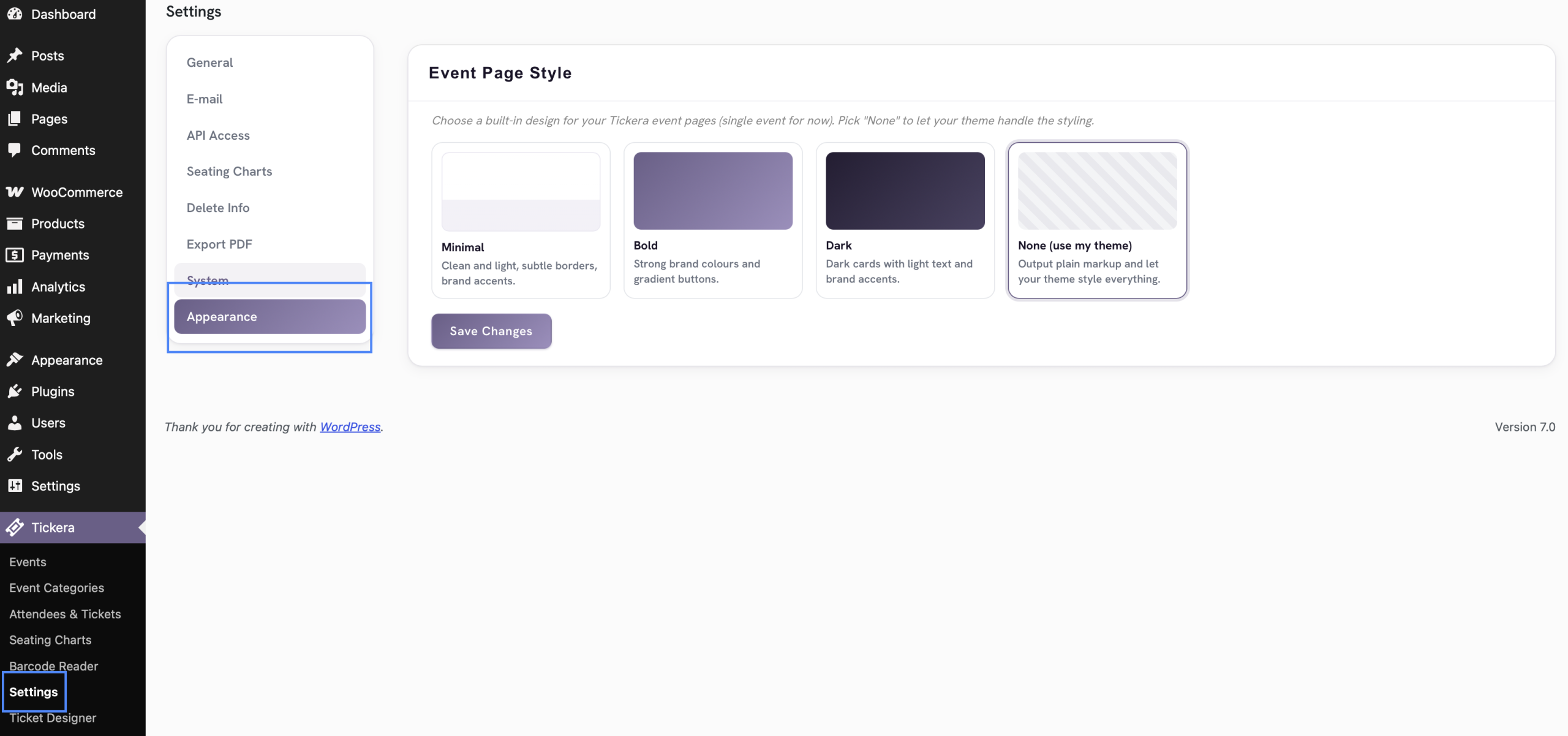
To change the appearance of your single event pages:
-
Navigate to the Tickera menu in your WordPress dashboard and click on Settings.
-
Click on the Appearance tab located in the left-hand settings sidebar.
-
Under the Event Page Style section, select one of the pre-designed layouts.
-
Click the Save Changes button to apply the style.
Available Event Page Styles
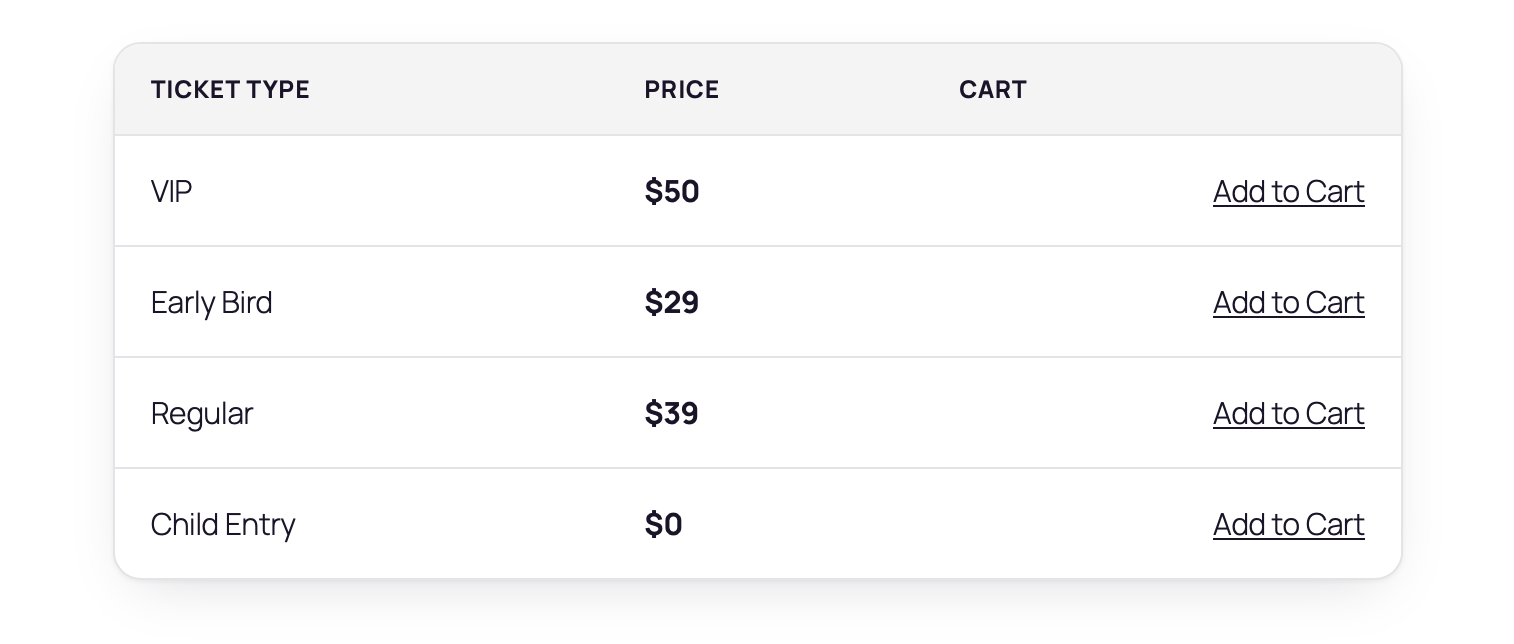
1. Minimal Style
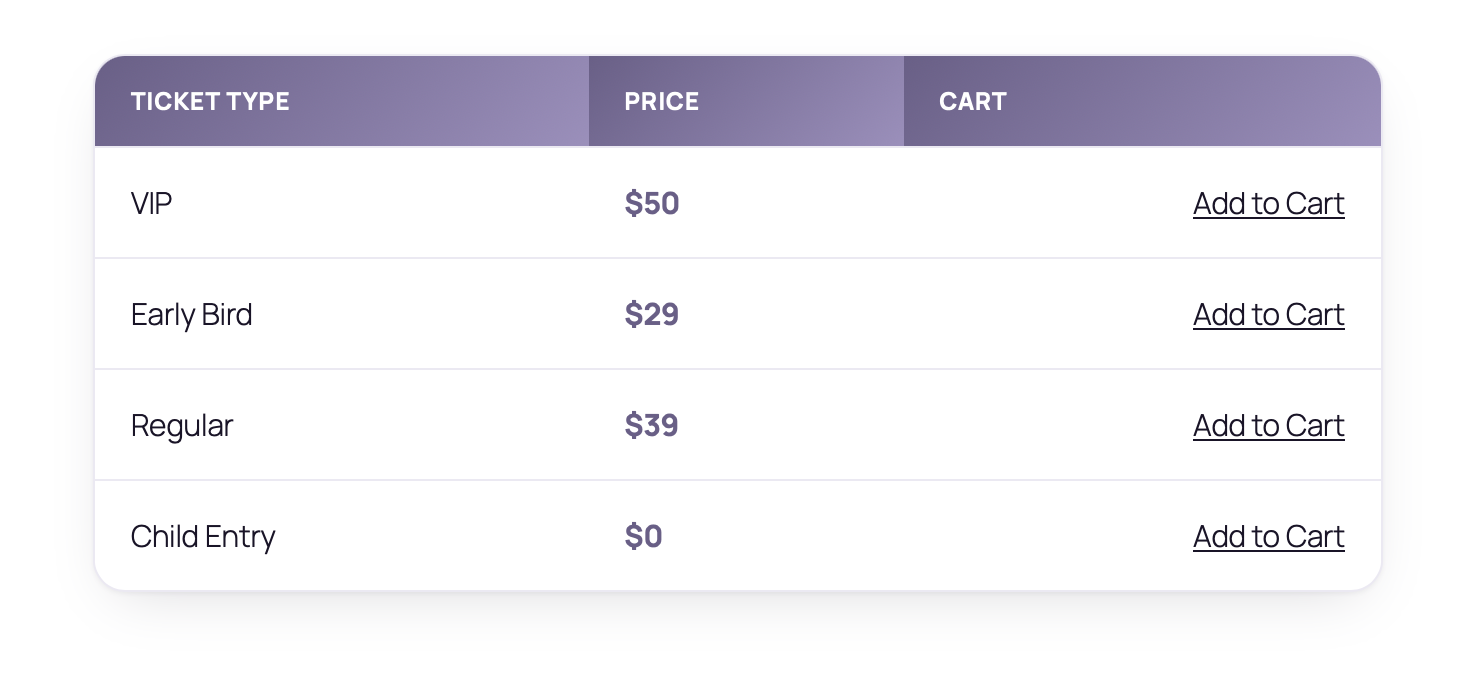
2. Bold Style
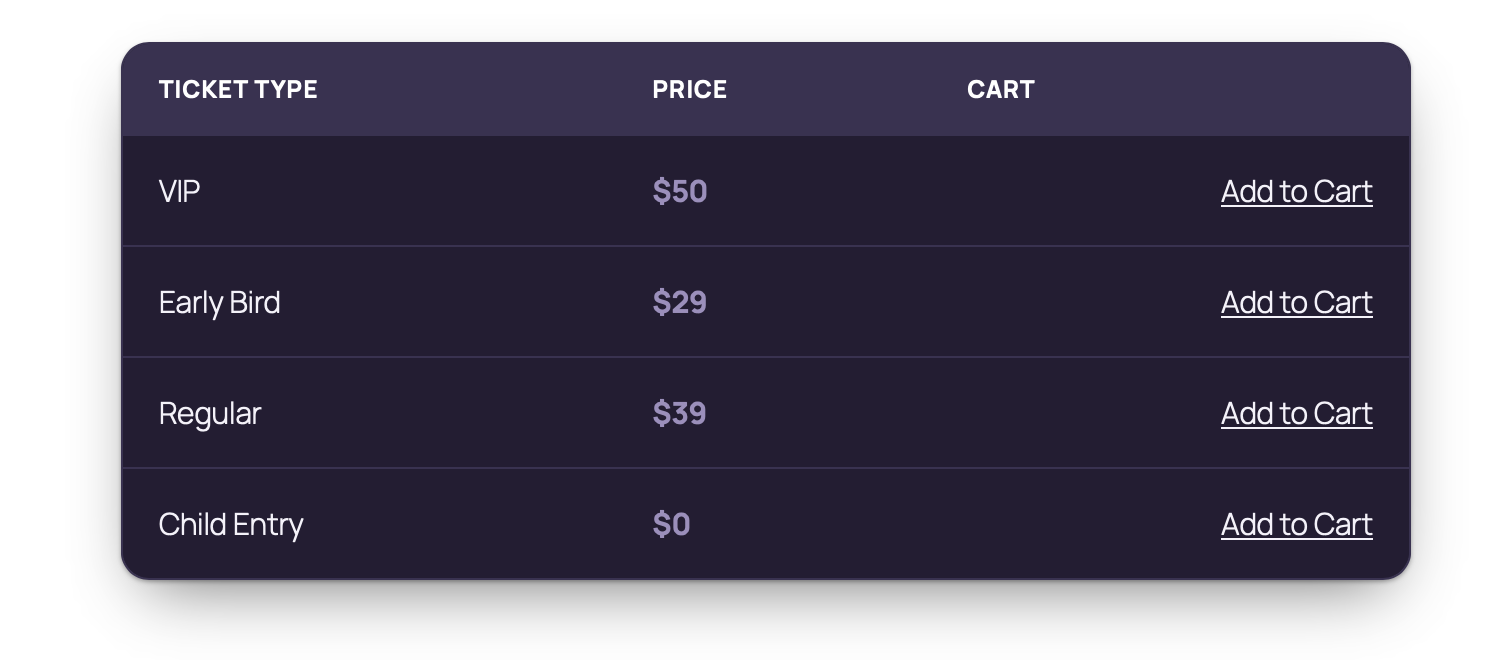
3. Dark Style
4. None (Use My Theme)
Was this article helpful?
Yes — great. No or partially? Tell us what was missing — we read every message and use it to improve these docs.